I’ve collected the main services that help restore content from dropped domains using snapshots from the Web Archive. Most of them are paid, though some offer limited free usage.
I’ve also included free tools and methods you can use if you prefer not to pay.
Before we dive in, here are important limitations all recovery services have:
- Dynamic elements, scripts, server-side logic, databases, forms, and interactivity usually cannot be restored unless they were saved as static HTML/JS.
- This matters more than ever because most modern websites are dynamic.
State of Web Archives in 2024-2026
- Internet Archive cyberattack (Oct 2024, 31M accounts breached)
- Major publishers blocking crawlers (NYT, Guardian, FT) over AI training fears – meaning newer snapshots of news sites may be incomplete
- AI-generated content replacing originals on many sites post-2023 – so restored content may not be the “real” original you expect
- On the positive side: Wayback Machine hit 1 trillion pages in Oct 2025, Google now links to Wayback Machine from search results (replacing its own defunct cache)
mydrop.io
(ref link)
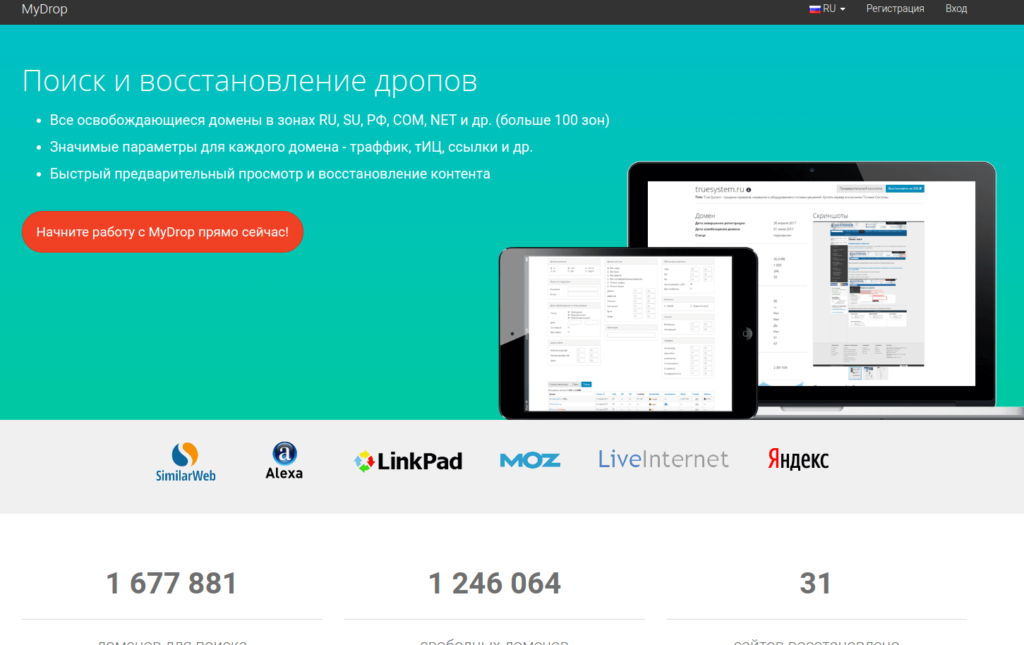
A convenient service I’ve been using for over a year. Besides recovering archived websites, it has powerful domain search and filtering tools.
Pros
- Wide set of filters for domain discovery
- Option to subscribe to specific filters
- Informative domain table with useful SEO metrics (TF, CF, DA, PA, LinkPad, SimilarWeb, LiveInternet)
- Shows the number of files that can be restored and total size (MB)
- Indicates whether the domain has bids on expired.ru
- Built-in CMS
- Reasonable prices
- Discounts for deposits over 3000 RUB
- Russian-language interface
Cons
- No trial period or free restoration, even for small websites
- There is a preview feature, but it’s pretty rough, and you must have enough balance to match the restoration cost
Archivarix
(ref link)
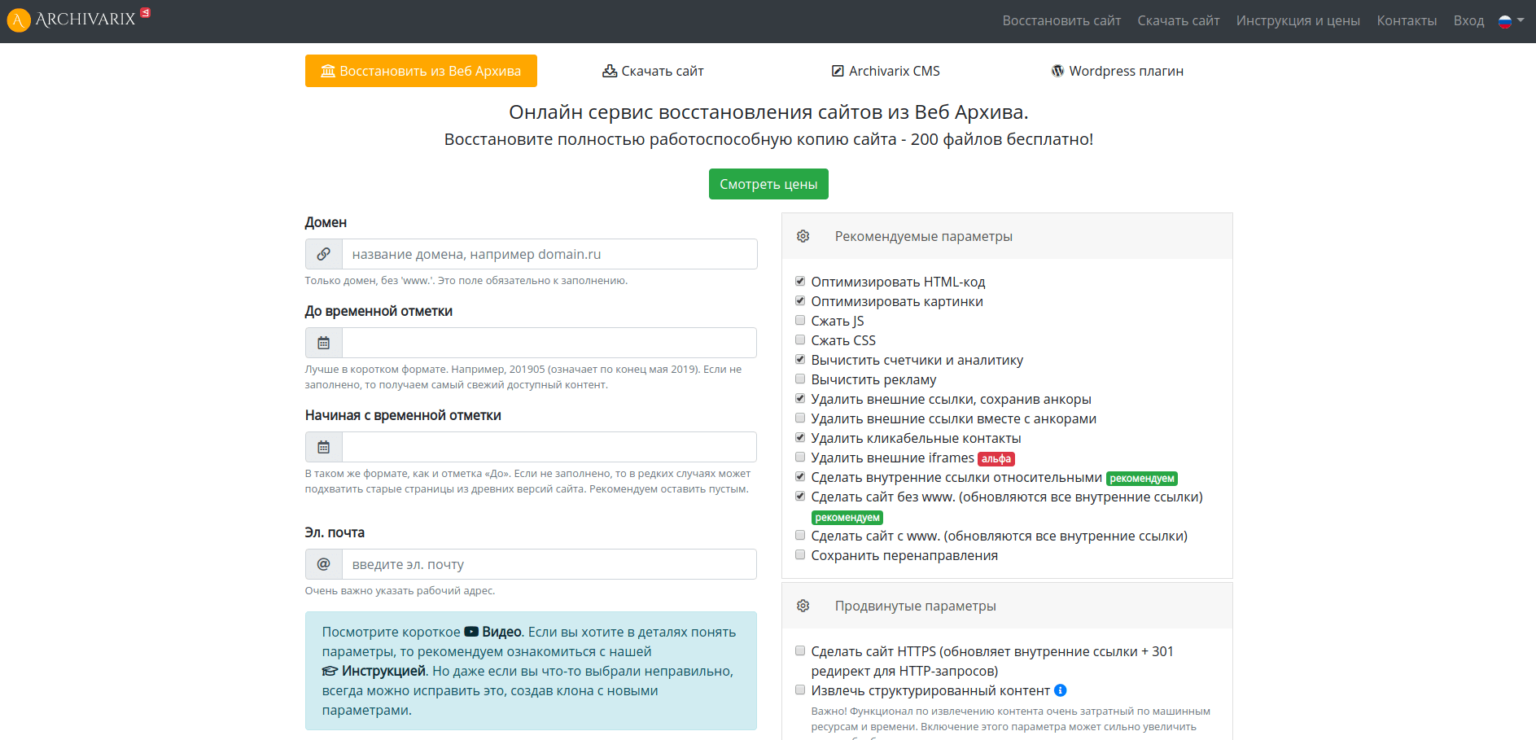
My personal favorite for restoring website content. It’s the service I’ve been using most frequently lately.
Pros
- Flexible recovery configuration
- Restoring a site up to 200 files (HTML, CSS, JS, images) is free
- Built-in CMS
- Available in 8 languages, including Russian
- Structured data parsing with export to WordPress (still a bit raw but promising)
Cons
- No option to top up balance using a bank card
waybackmachinedownloader.com
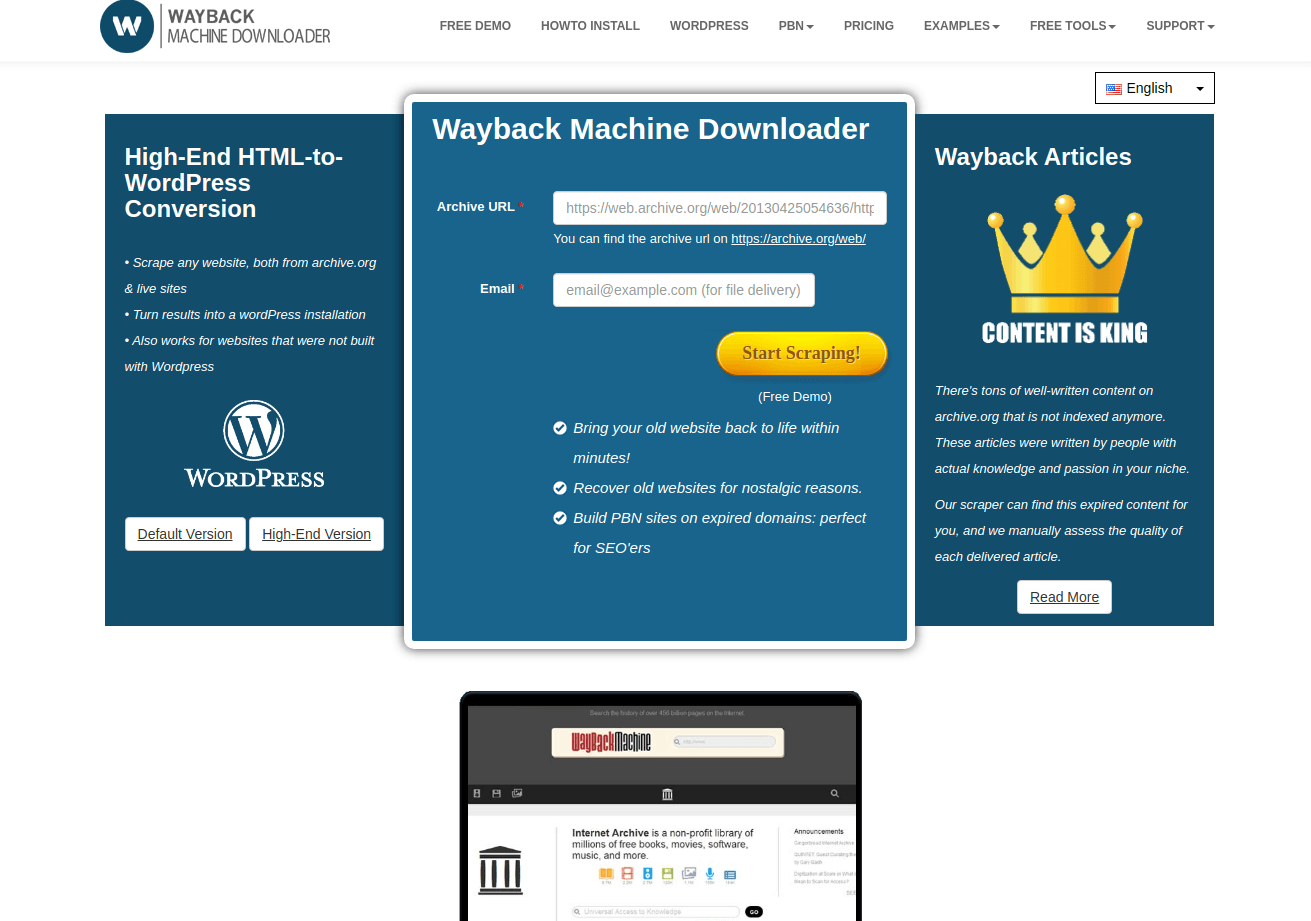
Haven’t personally used it yet, but the feature set looks promising – planning to test it soon.
Pros
- Good pricing for large sites: Up to 20,000 files for $19, including sitemap generation
- $60 add-on to import the recovered files into WordPress
- $79 monthly subscription that allows unlimited restorations, plus WordPress discounts
- Supports 8 languages (not including Russian)
- Also offers expiring domain search and unique article recovery services
Cons
- Demo gives you only 4 pages and requires running it locally – slow and inconvenient
- Not cost-effective for small sites
- No Russian language support
r-tools.org

Pros
- Great for websites with few HTML pages but lots of other resource files – pricing is calculated per HTML page
- You can reject the site if you don’t like the quality. After the system downloads it, you get a preview and can cancel if you haven’t requested archive generation yet (haven’t tested this myself)
- Fast integration with SAPE
- Russian-language interface
Cons
- Demo access exists, but after running 4 test jobs I got no usable result
- High prices: parsing 25,000 pages costs ~2475 RUB. For comparison, Archivarix costs $17 for the same number of files (not pages). Even accounting for the difference, r-tools often ends up pricier – though there are cases where it’s worth it (mentioned above).
waybackdownloader.com
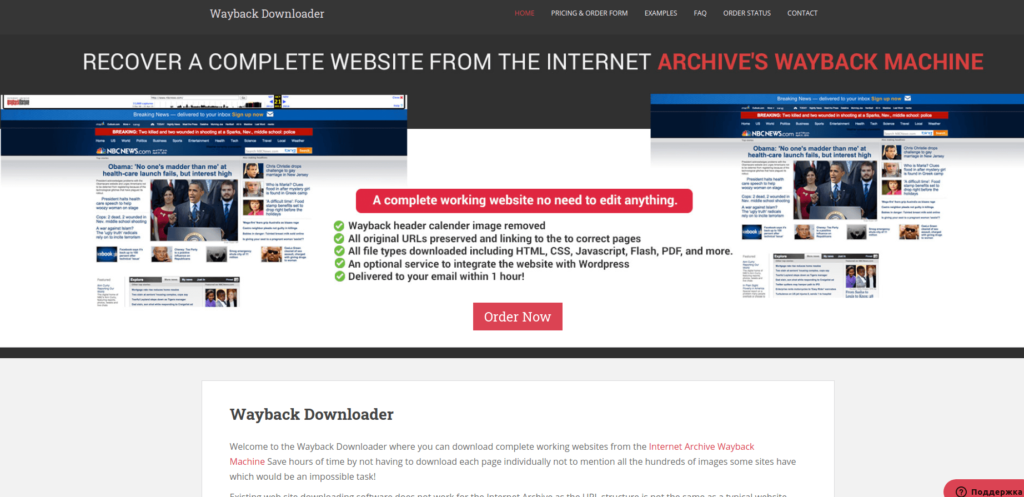
Update: Now redirects to waybackmachinedownloader.com.
Haven’t used the service myself. Based on research:
Cons
- A bit suspicious: tiny website with no user account area.
(But I didn’t find any negative reviews.)
Pros
- Attractive pricing for volume:
$15 per site, or $7.50 each if you buy 5 - For $30 they’ll import recovered content into WordPress (posts, categories, layout)
Other Services Worth Checking
- archivescraper.net
Free Ways to Restore a Website
Manual Recovery via Web Archive
All services above rely on the same primary source: https://archive.org/web/.
Enter the domain name into the search bar. You’ll see a timeline showing when snapshots were taken.
Below it, a calendar view lets you choose specific months and days.
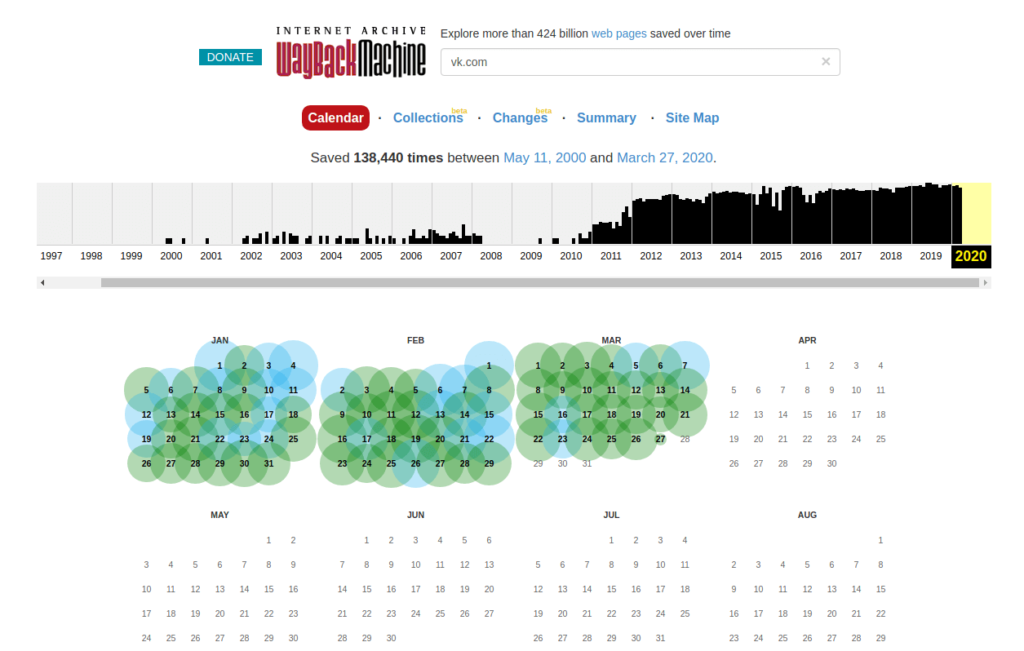
Click a snapshot to open the archived page.
Then open your browser’s developer tools and manually copy the HTML, images, CSS, JS, and other required assets.
It’s tedious – but free.
Alternatives to archive.org
Archive.org isn’t the only project that saves website snapshots:
- Archive.is
- http://timetravel.mementoweb.org/ — a unique project that aggregates snapshots from multiple archives (kind of like Google for historical website versions)
- Common Crawl – a massive, underused alternative to the Wayback Machine. It’s comparable in data volume and surprisingly few people know about it.
- arquivo.pt
- Ghostarchive
Libraries & Tools
If you prefer a DIY approach and have some technical skills, you can build your own recovery tool. Search GitHub for “wayback-machine”.
Useful links:
- https://pypi.org/project/wayback/
- https://pypi.org/project/wayback-scraper/ (looks abounded now)
- https://github.com/sangaline/wayback-machine-scraper (looks abounded now)
- https://github.com/hartator/wayback-machine-downloader
- https://github.com/birbwatcher/wayback-machine-downloader
If you’ve used any of these services, share your experience.
If you spot errors or want to suggest additions – feel free to comment!
Leave a Comment